
Every classroom, one announcement away.
IP intercom, paging, bells and emergency alerts for K-12 campuses, built on platforms like Valcom and Wahsega, installed by Global Dynamics Systems and supported by Tech for Edu.
 IP intercom & paging
Bells on schedule
Installed by Global Dynamics Systems
IP intercom & paging
Bells on schedule
Installed by Global Dynamics Systems
What a modern school intercom does
Today’s systems run over the same network as your Wi-Fi. Speakers, call buttons, clocks and displays plug into a switch, and the office controls everything from a console or a phone.
Intercom & paging
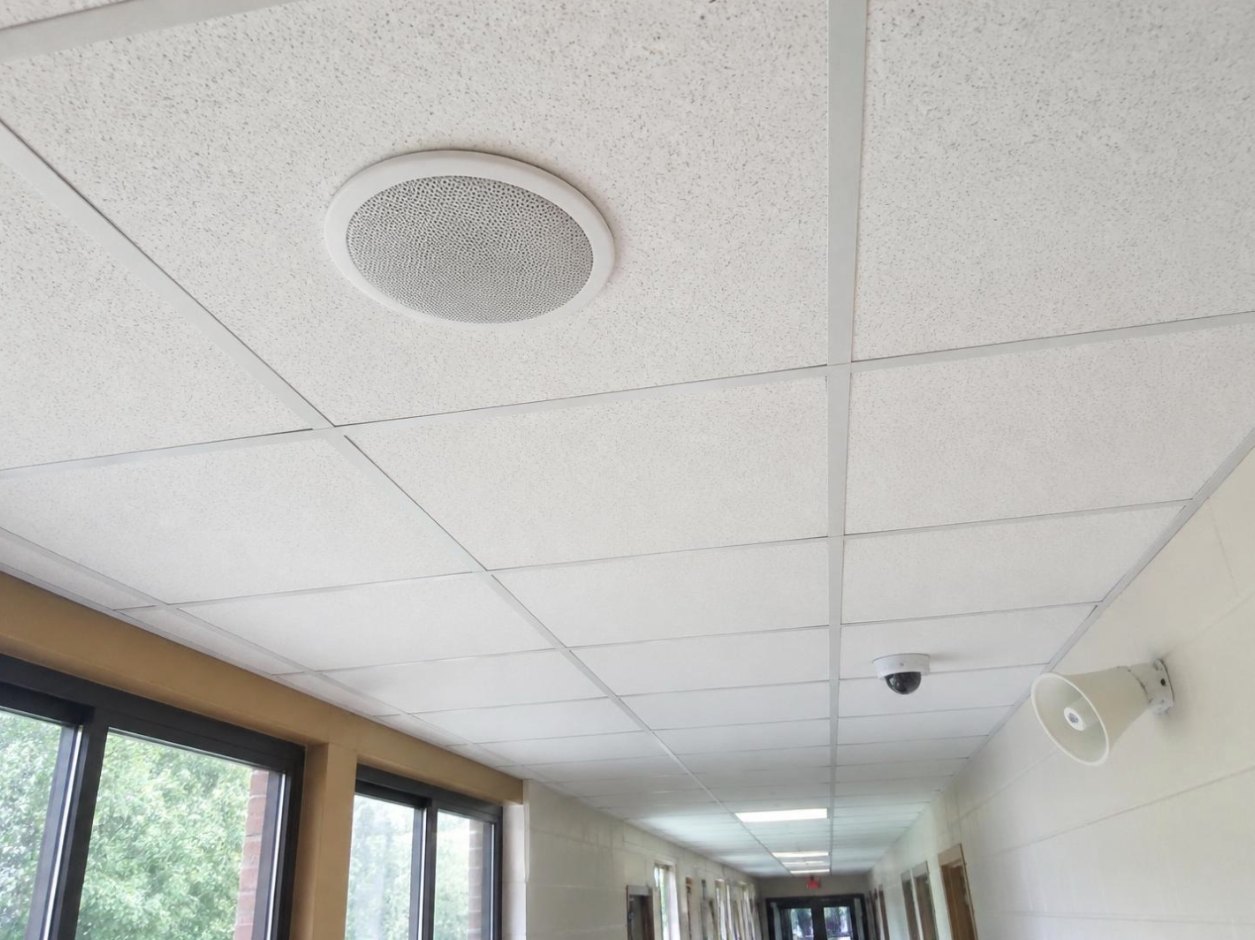
Two-way talk between the office and every classroom, plus all-call, zone and outdoor paging.
Bell schedules
Automated bells with custom tones, early-release and testing-day schedules, managed from one screen.
Emergency alerts
Pre-recorded lockdown, severe-weather and evacuation announcements, triggered from a phone, console or panic button.
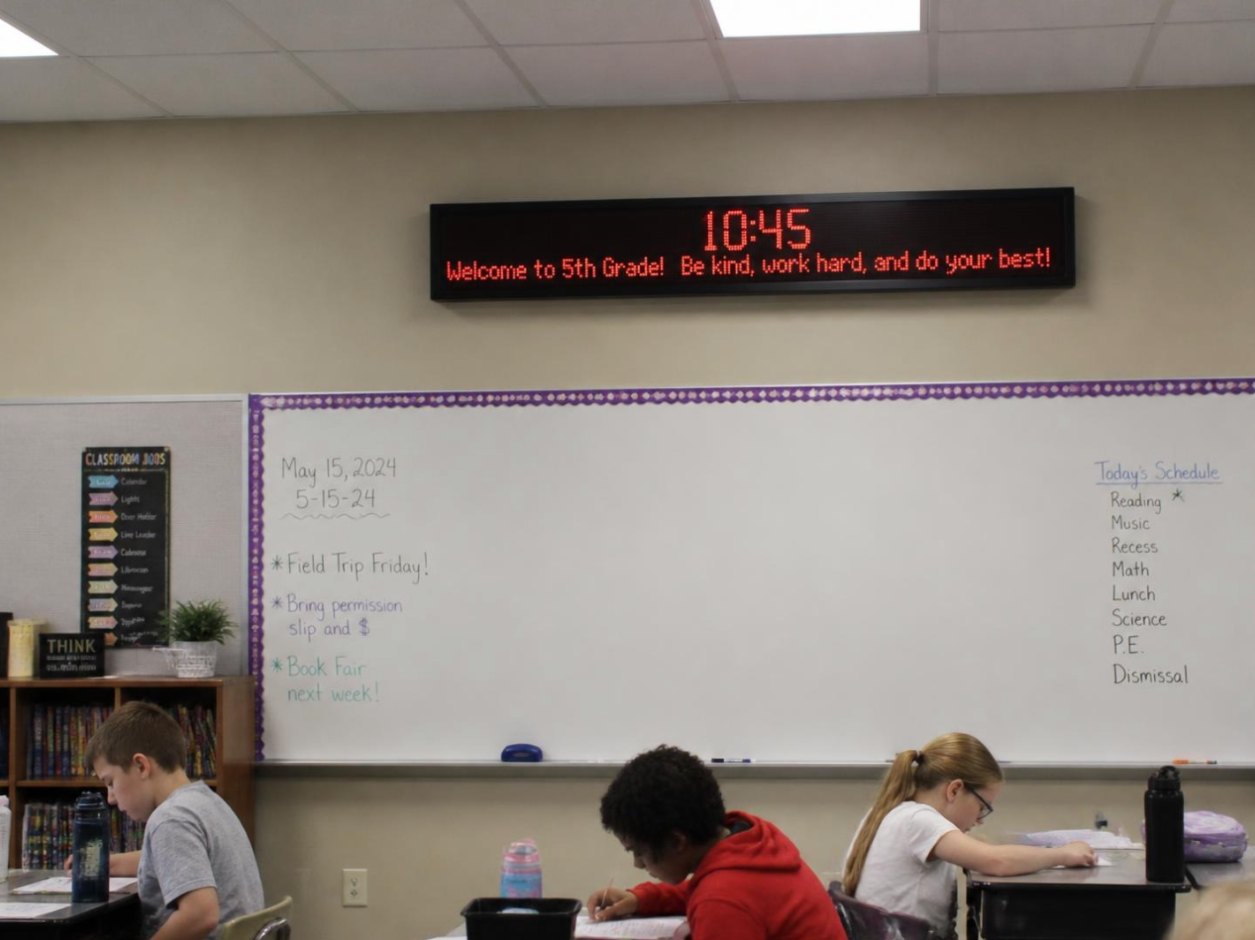
Clocks & displays
Synchronized IP clocks and LED message boards that also flash visual alerts for ADA accessibility.
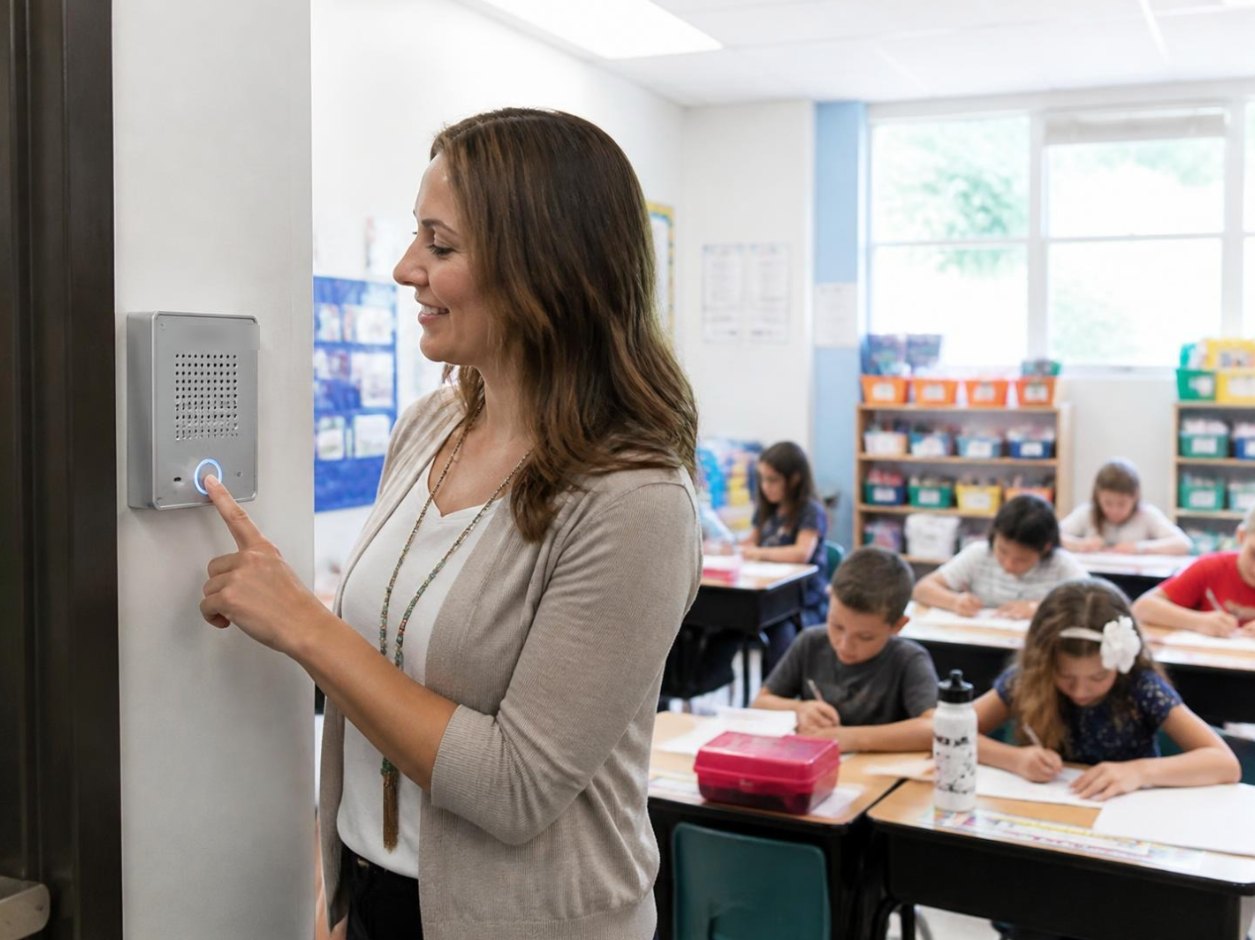
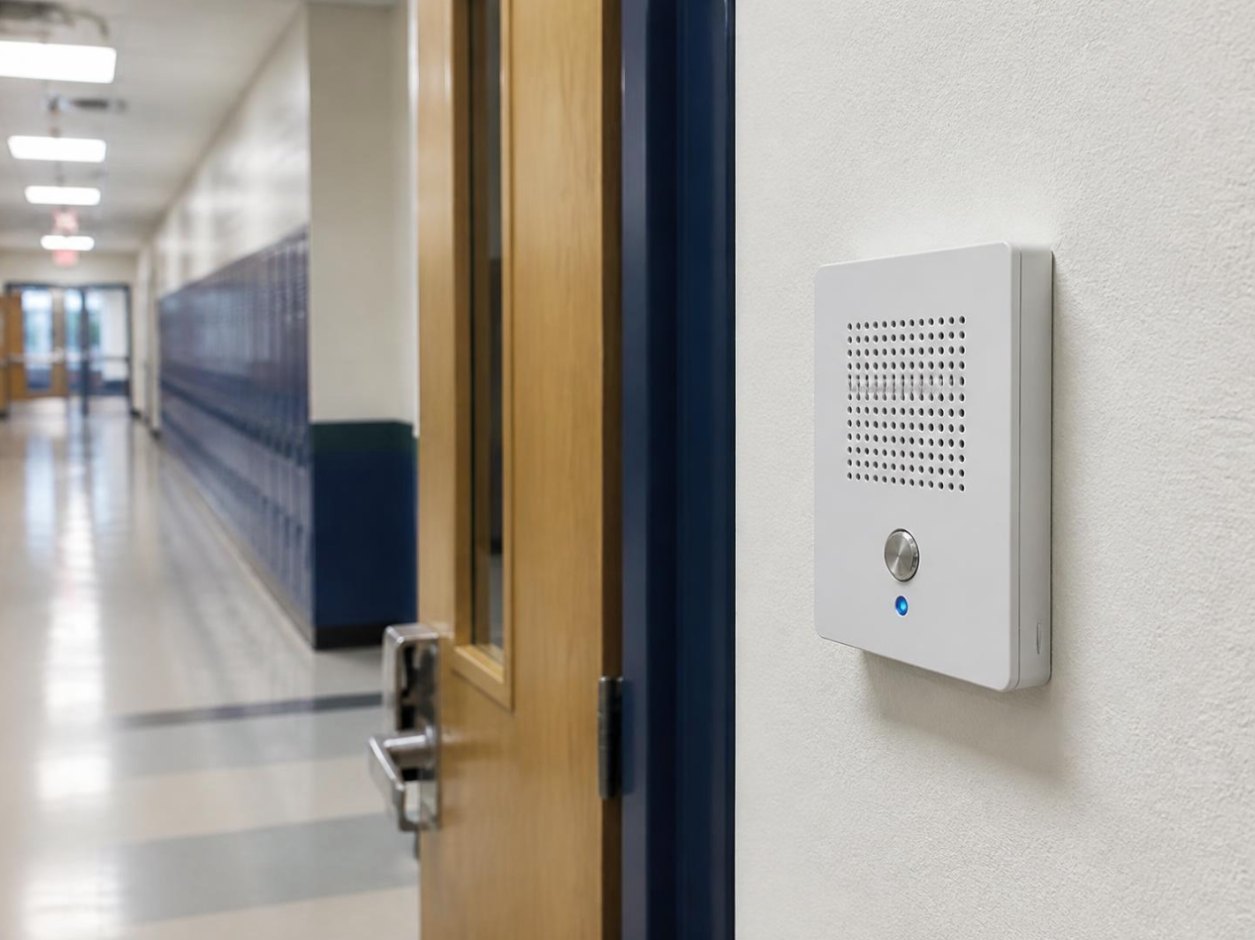
Classroom call buttons
A button on the wall reaches the office immediately, with the room number on screen.
Phone integration
Page from any desk phone or mobile, and tie alerts into your VoIP system and mass-notification apps.
 Classroom intercom
 IP clocks & displays
 Hallway paging
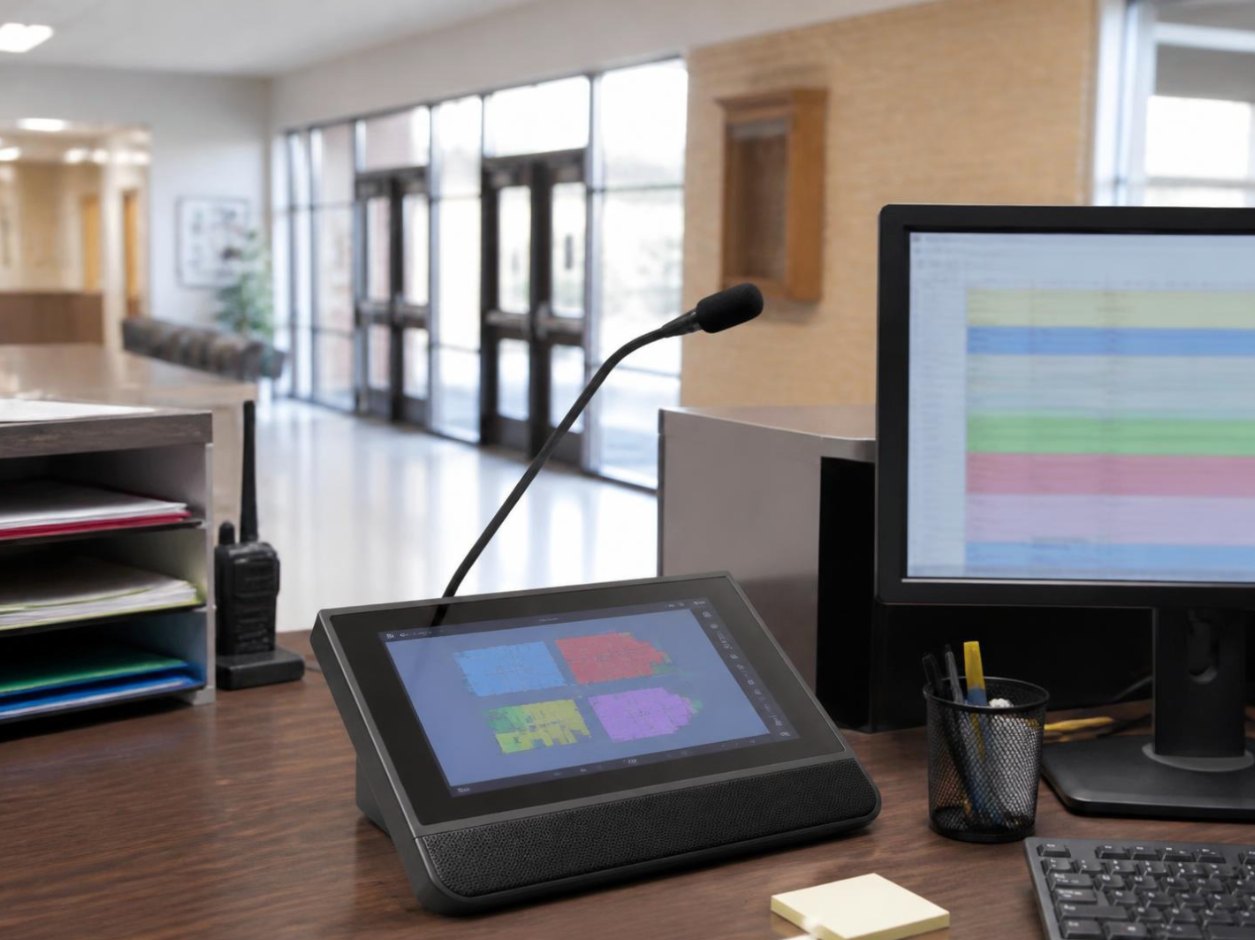 Office console
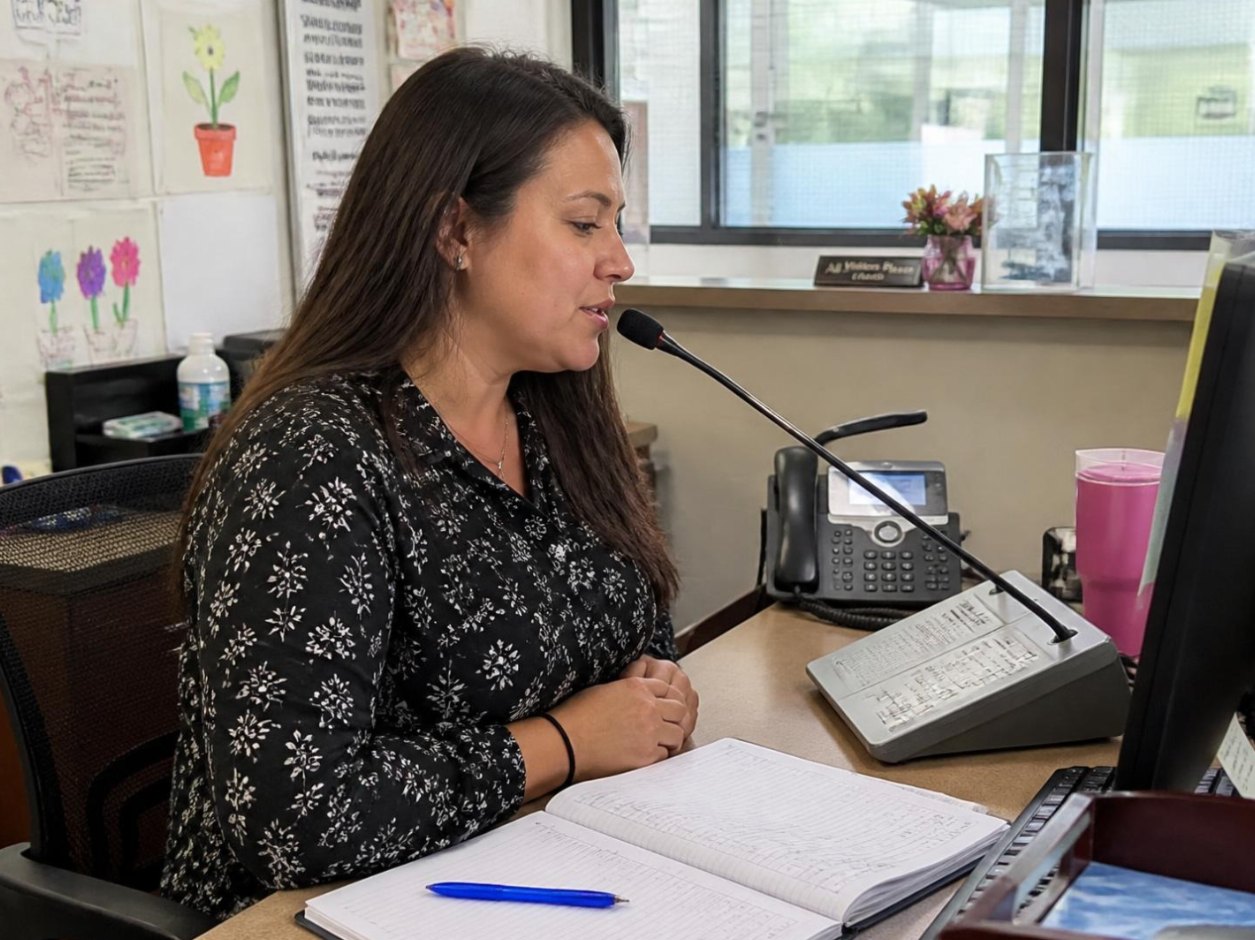 Morning announcements
From the morning pledge to the last bell.
- 7:55 AM
Warning bell
The schedule plays the tone you chose in every zone, inside and out.
- 8:05 AM
Morning announcements
The office pages all-call from the console, or from a phone.
- 10:20 AM
“Room 14 to the office”
A teacher presses the call button. The office answers two-way in seconds.
- 12:30 PM
Weather hold
One button plays the pre-recorded shelter message and flashes the displays.
- 2:45 PM
Early dismissal
Today’s modified schedule was set once; the bells follow it.
- 3:30 PM
After-school paging
Zone paging reaches the gym and car line without disturbing tutoring rooms.
Keep the speakers that work. Replace the headache.
Many campuses still run analog intercoms from the 90s with a head-end nobody can service. IP platforms from manufacturers like Valcom and Wahsega can reuse existing speaker wiring where it’s sound, add IP endpoints where it isn’t, and move control to the network your school already has.
- Hybrid designs that reuse good analog speakers
- IP speakers and call stations over PoE
- Works through power and internet outages
- Replaces separate bell, clock and PA systems
- Ties into VoIP phones and alert apps
- One vendor for hardware, software and support

Wired, mounted and tested room by room.
Global Dynamics Systems, Tech for Edu’s infrastructure partner, runs the cabling, mounts speakers, call stations and displays, and configures the head-end. Tech for Edu then supports the system alongside your network through the same 24/7 help desk.
- 1
Walk-through
We test what you have, map zones and note the rooms nobody can hear in.
- 2
Design and quote
Speaker-by-speaker plan, bell schedule setup and a clear price.
- 3
Install on your calendar
Summer, breaks and evenings, so school days aren’t interrupted.
- 4
Train and support
Office staff trained on paging and schedules, with help desk support after.
Let’s hear how your campus sounds.
A walk-through takes about an hour. You’ll get a zone map, a plan for bells and alerts, and a price.