
See every hallway. Control every door.
Ubiquiti UniFi security cameras and door access control for K-12 campuses, designed and installed by Global Dynamics Systems, supported by Tech for Edu.
 UniFi Protect cameras
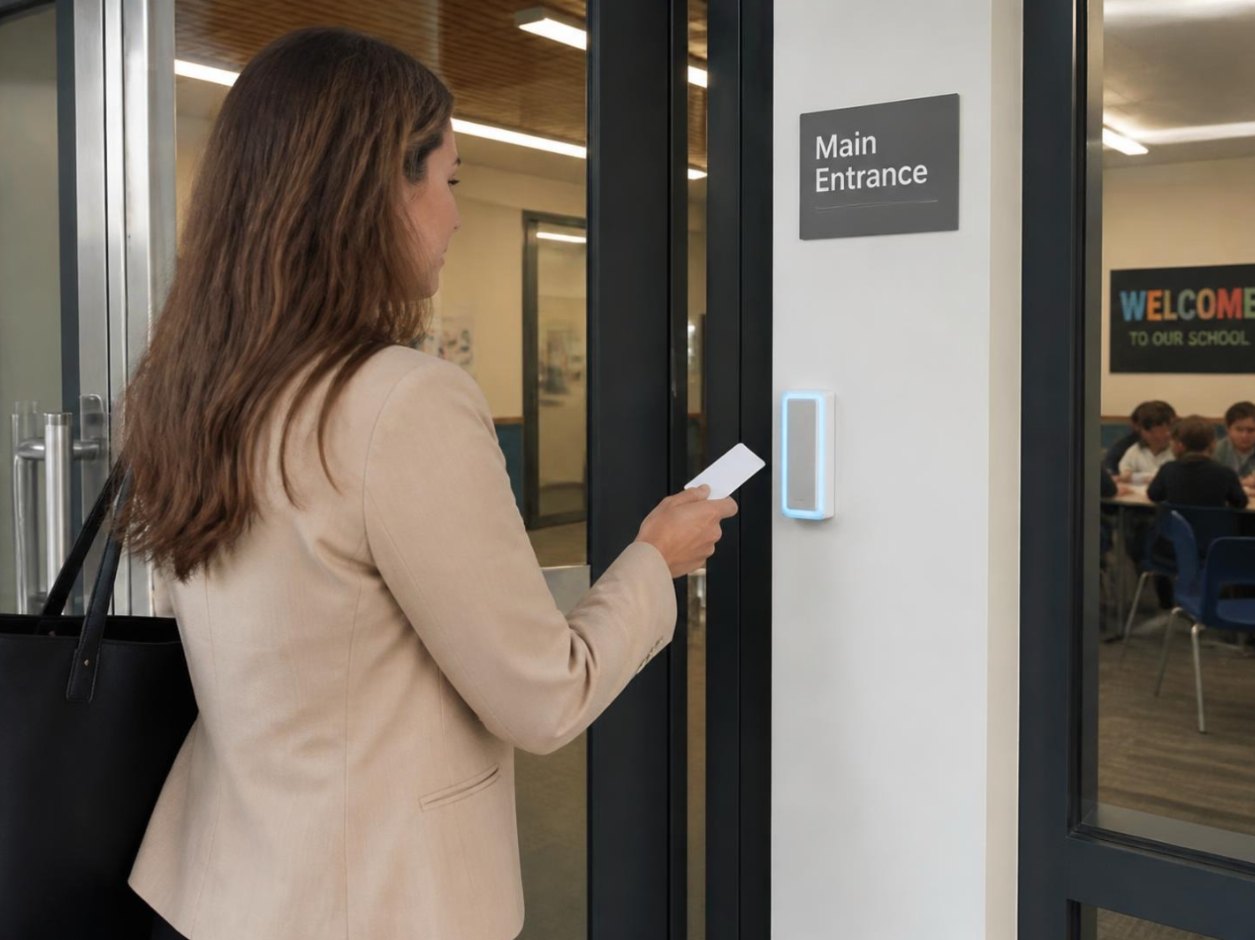
UniFi Access doors
Installed by Global Dynamics Systems
UniFi Protect cameras
UniFi Access doors
Installed by Global Dynamics Systems
One platform for cameras and doors
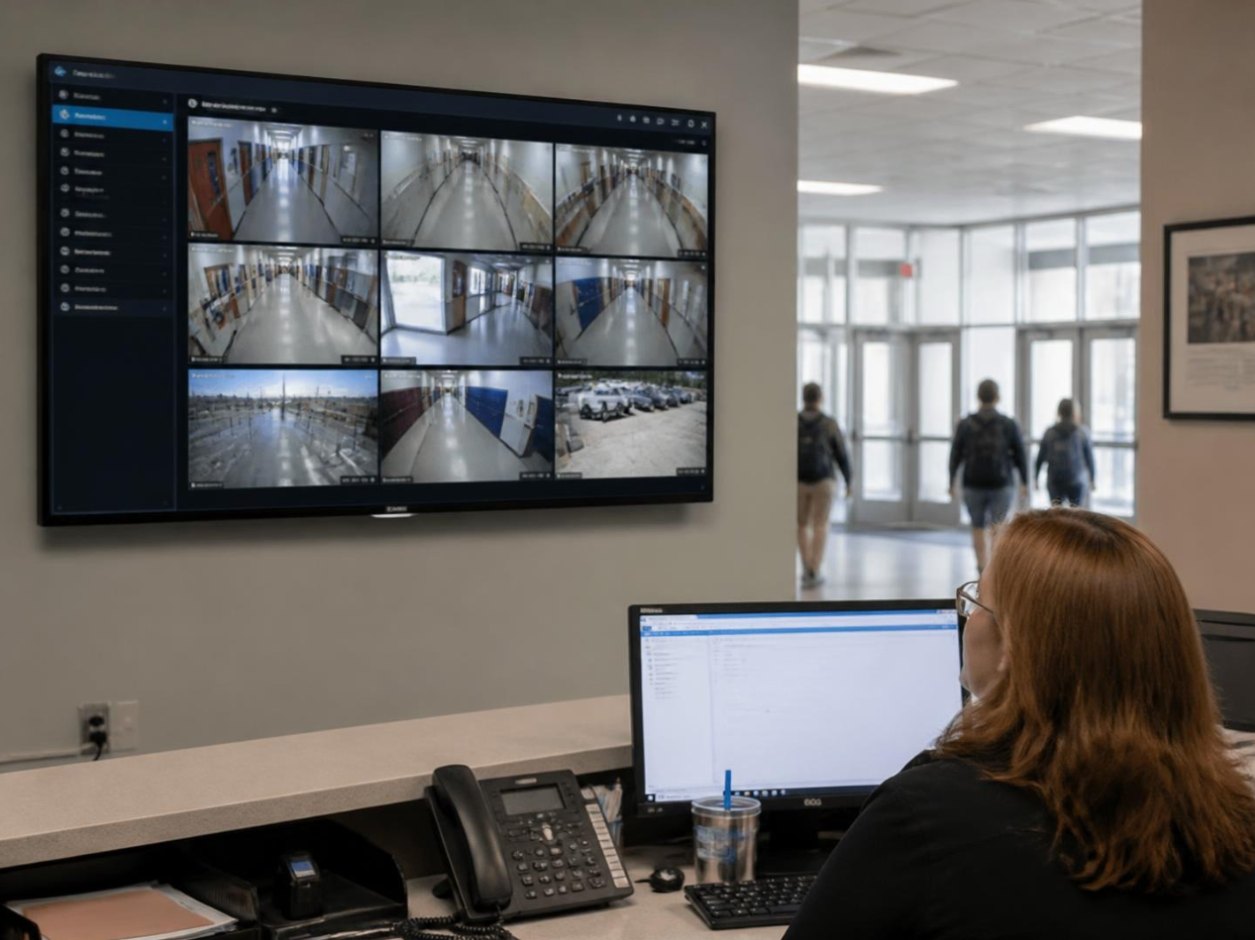
Video and access control run on the same UniFi system, so the front office sees who is at the door, buzzes them in and keeps the recording, all from one screen.
UniFi Protect cameras
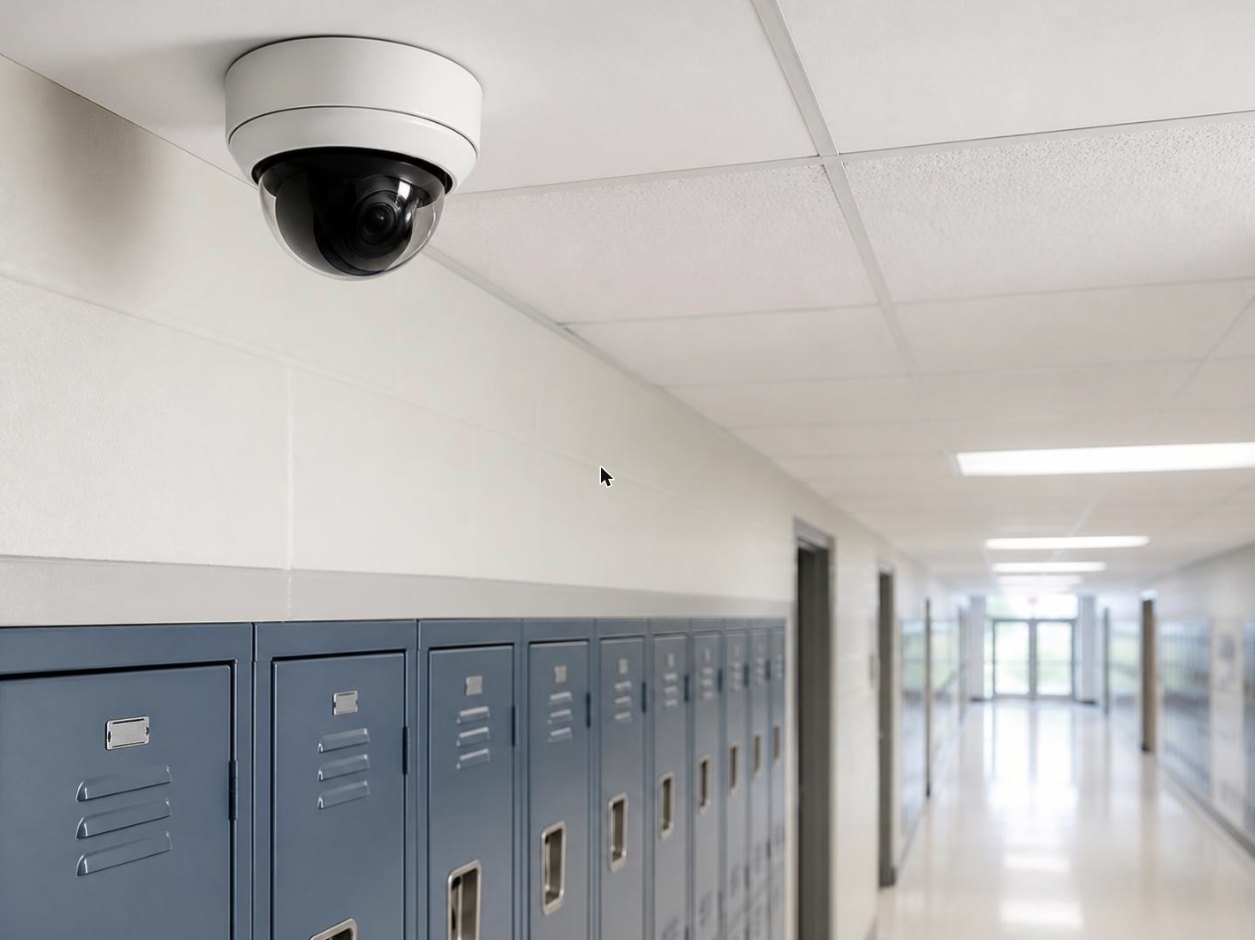
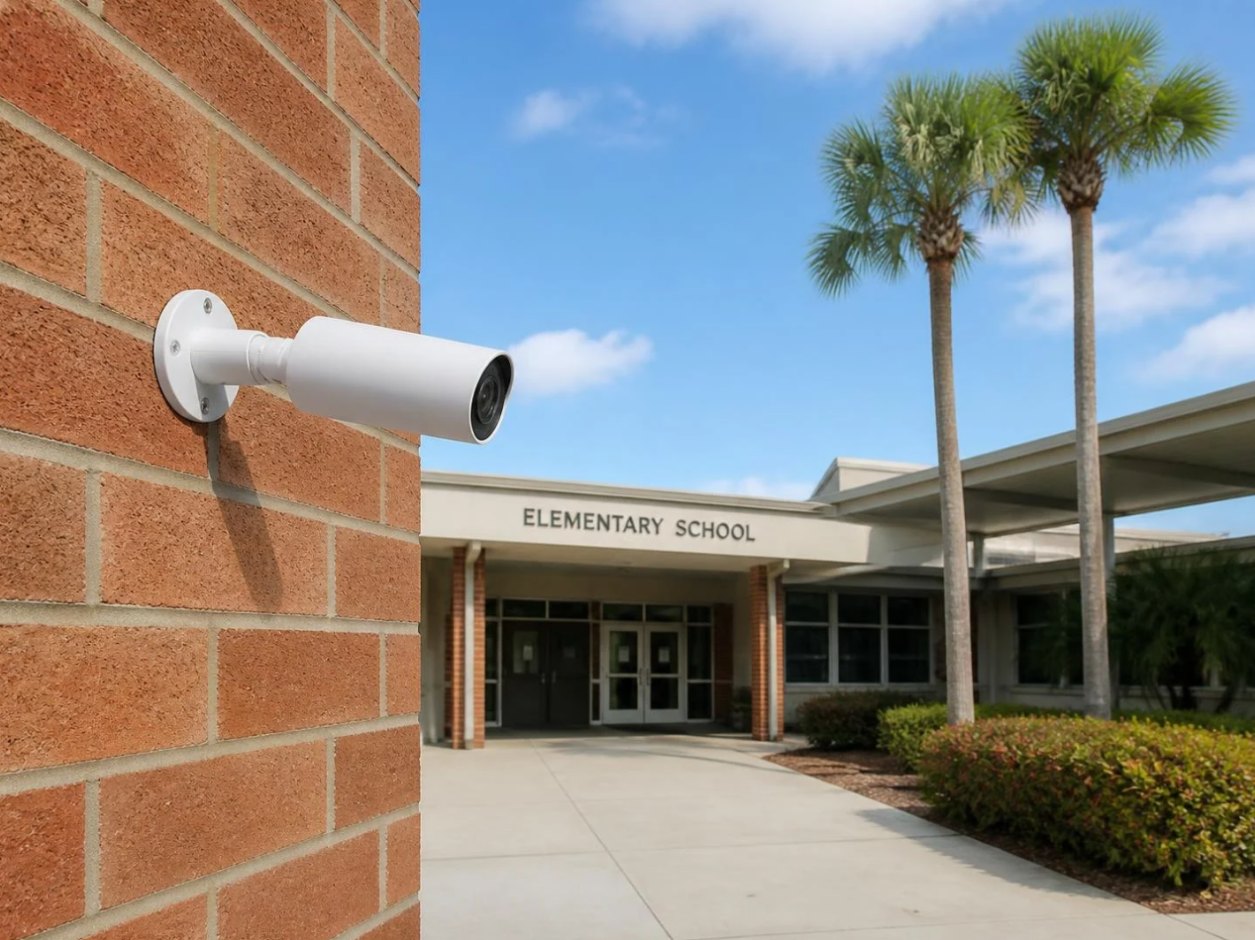
High-resolution dome, bullet and PTZ cameras covering entrances, hallways, the car line, playgrounds and parking. Footage records to an on-site UniFi NVR, with live and recorded video on a phone or the office screen.
- Indoor and outdoor cameras with night vision
- Smart detection for people and vehicles
- Local recording, no monthly per-camera fees
- Share live views with administrators and SROs
UniFi Access doors
Readers at exterior doors, the front office and sensitive rooms. Staff use a badge or their phone; the system logs every entry, follows your bell schedule and locks every door with one tap in a lockdown.
- Badge, PIN and phone (NFC) credentials
- Door schedules that follow the school day
- One-tap campus lockdown
- Visitor buzz-in with video at the front entrance
Hallways
 Entrances & parking
Front office
Entrances & parking
Front office
 One dashboard
Why we build on Ubiquiti UniFi
Most schools already run UniFi Wi-Fi. Cameras and doors on the same platform means one login, one vendor and no surprise subscriptions.
One dashboard
Wi-Fi, cameras and doors in a single UniFi console, on the office PC or a phone.
No license fees
UniFi software has no per-camera or per-door subscription, so the budget goes into hardware and coverage.
Grows with the campus
Add a camera, a door or a whole building later without replacing what you have.
Recorded on site
Footage stays on your NVR, under your control, with the retention period you choose.
Built for lockdowns
Lock every door from the office or a phone, and pull up the cameras that matter in the same view.
Supported by your IT team
Tech for Edu already manages your network, so the people supporting your cameras know your campus.

Pulled, mounted and tested by the people who built your network.
Global Dynamics Systems is Tech for Edu’s infrastructure partner for cabling and physical security. Their technicians run the cable, mount the cameras and readers, wire the door hardware and hand the finished system to the Tech for Edu team that supports it every day.
- Site survey and camera placement plan
- Structured cabling to every camera and door
- Door hardware: strikes, maglocks and request-to-exit
- Documentation of every device and run
- Staff training on the UniFi app
- Ongoing support through the 24/7 help desk
How a security project works
- 1
Walk the campus
We look at entrances, blind spots, the car line and how visitors get in today.
- 2
Design and quote
A camera-by-camera, door-by-door plan with coverage maps and a clear price.
- 3
Install around the school day
Work scheduled for breaks, evenings and summer so classes aren’t interrupted.
- 4
Train and support
Front office and leadership trained on the app, then supported by our help desk.
Funding note: cameras and door access are not covered by E-rate, but school safety grants and capital budgets often are. Ask us and we’ll point you to the programs that fit your school.
Ask about fundingLet’s walk your campus.
A walk-through takes about an hour. You’ll get a coverage plan and a price, with no obligation.